In today's fast-paced Australian market, where 47% of businesses ramped up data analytics in 2022-23 (Australian Bureau of Statistics), choosing the right BI tool isn't just smart—it's essential for staying ahead. At C9, we see executives like you grappling with outdated systems, high costs, and missed growth targets. That's why we're breaking down Microsoft Power BI and Amazon QuickSight: two powerhouse options for transforming raw data into actionable insights. Whether you're in Sydney, Melbourne, or beyond, this guide helps you select a solution that aligns with your unique needs, integrating seamlessly to drive efficiency and profitability. Let's collaborate on unlocking your data's potential.
Understanding Power BI: Microsoft's Versatile BI Platform
Power BI is a robust, user-friendly tool from Microsoft, designed to turn complex data into interactive visuals and reports. Ideal for businesses invested in the Microsoft ecosystem, it empowers teams to analyse trends and forecast outcomes without deep technical know-how.
- Key Features: Extensive visualisation library with AI-driven elements, real-time streaming, and custom maps for Australian regions. Drag-and-drop simplicity makes it accessible.
- Integrations: Connects effortlessly to Microsoft 365 (Excel, Teams), Azure services, and local favorites like MYOB and Xero—over 100 connectors in total.
- Pricing Overview: Free Desktop version for starters; Pro at AU$13.70/user/month for collaboration; Premium options for scaled AI and capacity (custom or AU$27.40/user/month).
- Best For: Sales forecasting, customer segmentation, and operational monitoring in mid-sized firms.
Australian leaders like Telstra and NAB rely on Power BI to streamline financial reporting and supply chains, reducing inefficiencies and boosting competitive edges.
Exploring Amazon QuickSight: AWS's Scalable BI Solution
QuickSight is AWS's cloud-native BI service, built for massive datasets and seamless scaling. It's perfect for organisations embracing serverless tech, offering embedded analytics without heavy infrastructure.
- Key Features: ML-powered anomaly detection, forecasting, natural language queries, and auto-narratives for quick insights.
- Integrations: Deep ties to AWS (Redshift, S3, RDS) with expanding third-party connectors.
- Pricing Overview: Pay-per-session starting at AU$0.38 (Standard); Enterprise at AU$24/user/month for advanced features.
- Best For: Embedded apps, ad-hoc reporting, and cross-region analysis in growing enterprises.
Companies like Atlassian and Domain Group use QuickSight for cloud-native analytics, embedding insights into workflows to cut costs and enhance customer experiences.
Power BI vs. QuickSight: Head-to-Head for Your Business Needs
To help you decide, here's a clear comparison tailored to Australian executives facing tech barriers like legacy systems or limited expertise:
| Feature |
Power BI |
QuickSight |
| Data Visualisation |
Extensive library, custom visuals, advanced customisation |
Standard visualisations, ML-powered insights |
| Data Source Connectivity |
100+ connectors, broad compatibility |
Primarily AWS integration, growing connector library |
| Ease of Use |
Intuitive for Microsoft users, drag-and-drop interface |
Steeper learning curve, requires AWS knowledge |
| Pricing |
Fixed per-user cost, various licensing options |
Pay-per-session or per-user, scalable capacity |
| Deployment |
Cloud, on-premise, hybrid |
Cloud-only (AWS native) |
| Mobile Access |
Native apps for iOS and Android |
Browser-based mobile access |
| Security |
Azure AD integration, robust security features |
AWS IAM integration, AWS security measures |
| Customer Support |
Microsoft partner network, extensive documentation |
AWS support plans, online resources |
Power BI shines for familiar, customizable reporting in Microsoft-heavy setups, while QuickSight dominates in scalable, AWS-integrated scenarios. Both address pain points like poor data flow, but your choice hinges on stack alignment, budget, and growth plans.
Which BI Tool Fits Your Australian Operation?
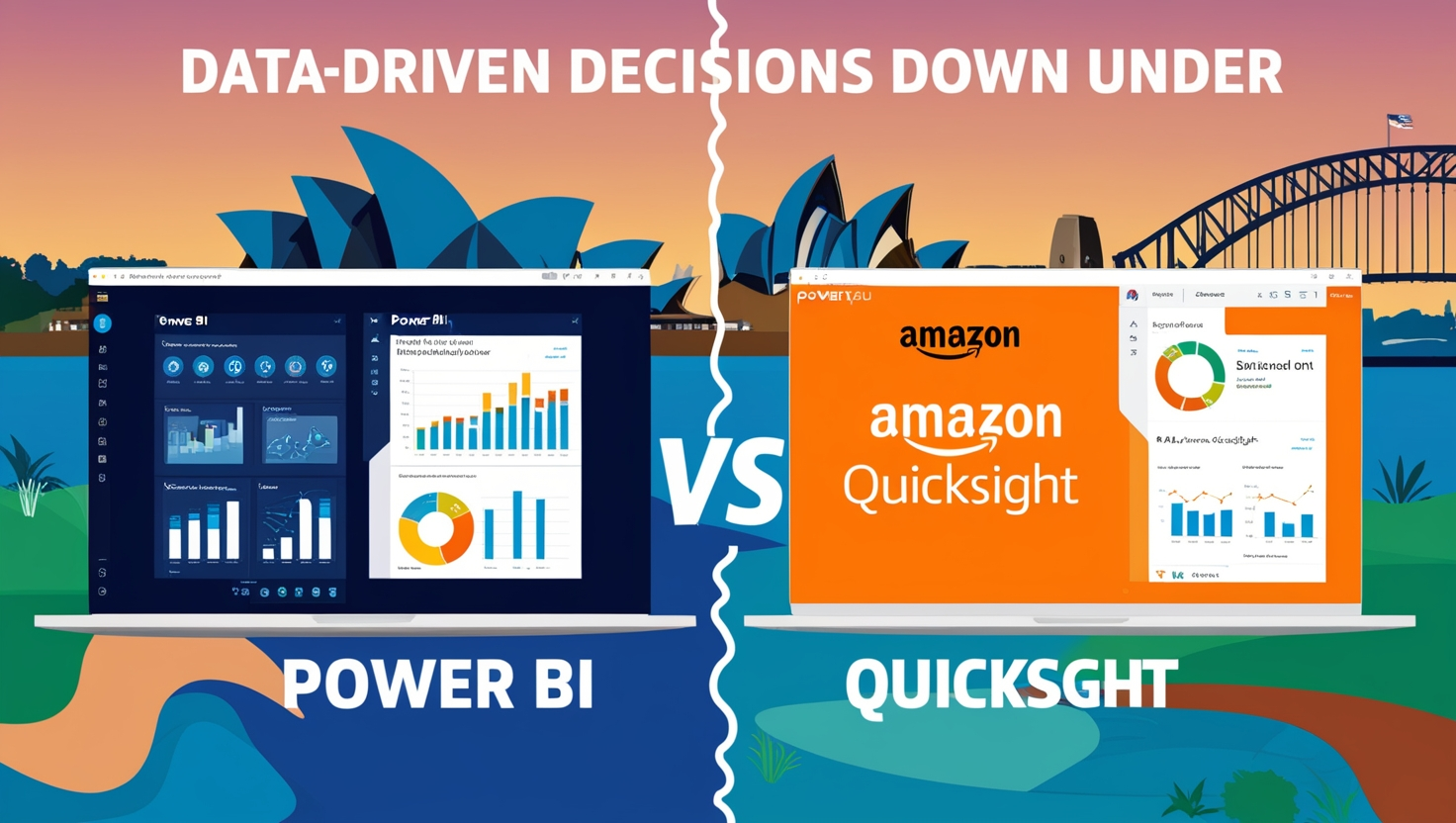
Struggling with high operational costs or competitors' tech advantages? Start by assessing:
- Your Stack: Microsoft loyal? Go Power BI. AWS user? QuickSight.
- Scale & Budget: Need fixed costs for steady teams? Power BI. Variable usage? QuickSight's flexibility.
- Expertise Gaps: Overcome barriers with C9's collaborative approach—we assess, implement, and support without internal strain.
If resistance to change or past vendor issues hold you back, our certified developers partner closely to ensure smooth adoption, turning data silos into unified insights.
Take the Next Step with C9
- Power BI in Action: A Sydney manufacturing firm used Power BI (with C9 integration) to optimise supply chains, cutting costs by 25% through real-time dashboards—overcoming legacy system frustrations.
- QuickSight Wins: A Melbourne e-commerce leader embedded QuickSight for customer analytics, boosting revenues 30% via ML forecasts and eliminating data silos.
These examples show how tailored BI drives tangible gains, from efficiency to profits.
Conclusion
Don't let outdated tools hinder your growth. At C9, we specialise in custom BI implementations that fit your unique challenges—whether Power BI for intuitive visuals or QuickSight for scalable power. Book a free consultation with our Sydney, Melbourne, or Brisbane experts today. Let's collaborate on a solution that maximizes your efficiency and edges out the competition.
AI Transparency Notice:
This article was produced with the assistance of artificial intelligence tools, including content drafting, visual asset creation, and audio generation. All content has been reviewed and approved by C9 prior to publication.
Return