Last Updated: December 2024 | Reading Time: 10 minutes
What if your best salesperson never slept, your finance team never made reconciliation errors, and your customer service operated 24/7 without burnout? This isn't science fiction—it's the reality of autonomous AI agents in Microsoft Dynamics 365 CRM and ERP, and Australian businesses are implementing them right now.
But here's what most business owners don't realise: the gap between potential and disaster is razor-thin. The wrong implementation partner, skipped discovery, or falling for "AI Cowboys" can turn a transformational investment into an expensive failure.
Let's cut through the hype and show you exactly what you need to know.
The Hidden Cost of Your Current Operations
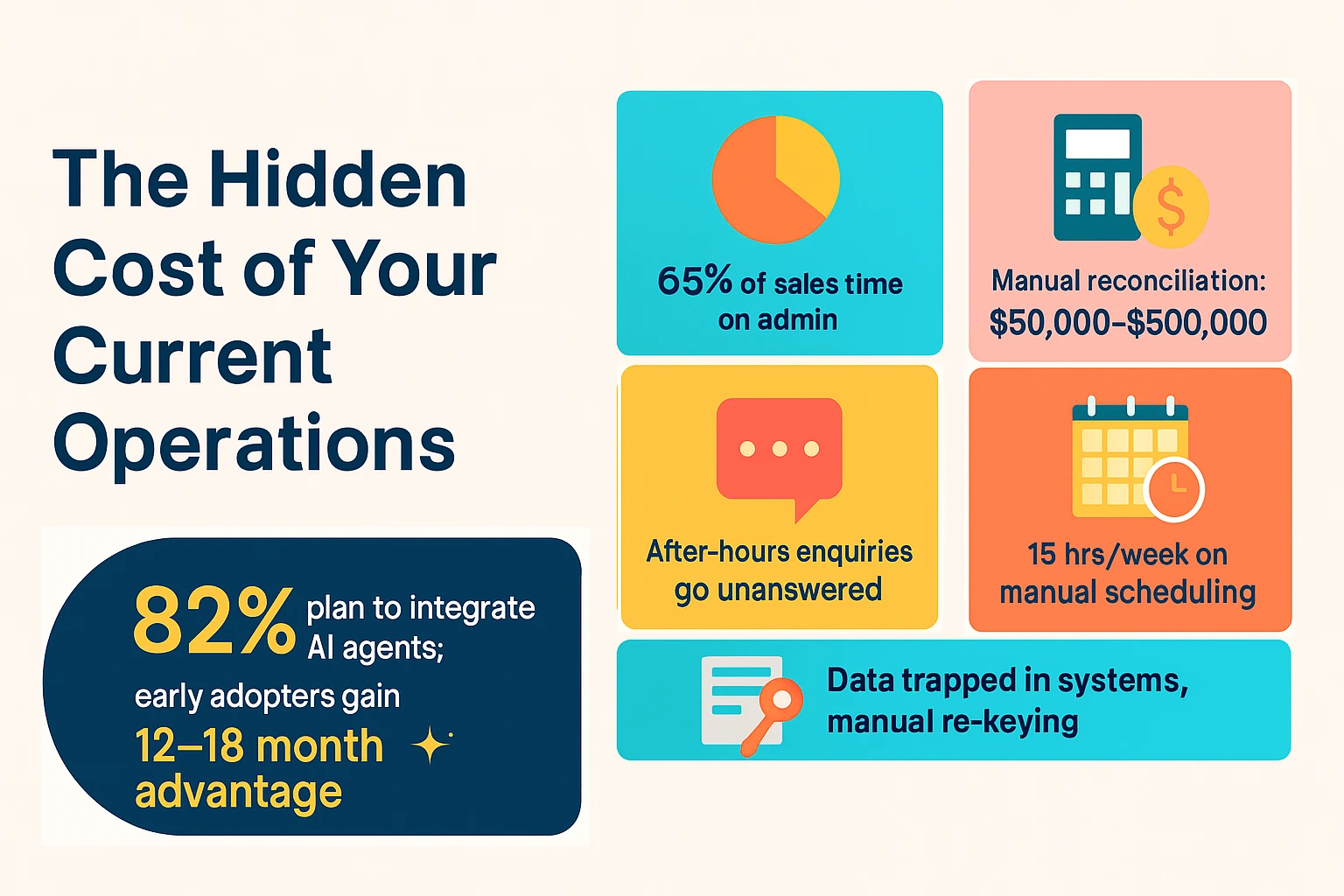
Your business is bleeding money through inefficiency, and you might not even see it.
Consider these realities:
- Your sales team spends 65% of their time on admin tasks instead of selling
- Manual account reconciliation costs between $50,000-$500,000 annually in errors and labour
- After-hours customer enquiries go unanswered, sending prospects to competitors
- Your operations manager spends 15 hours weekly on scheduling that could be automated
- Data sits trapped in systems while staff manually re-key information
For a typical 50-employee Australian business, these inefficiencies represent $180,000-$450,000 in lost productivity every year. That's not including the opportunity cost—what your team could achieve if they had those hours back.
The competitive reality is worse: 82% of business leaders plan to integrate AI agents within the next 12-18 months. Early adopters are already gaining a 12-18 month competitive advantage. While you're considering, your competitors are implementing.
Understanding Autonomous AI Agents in Microsoft Dynamics 365
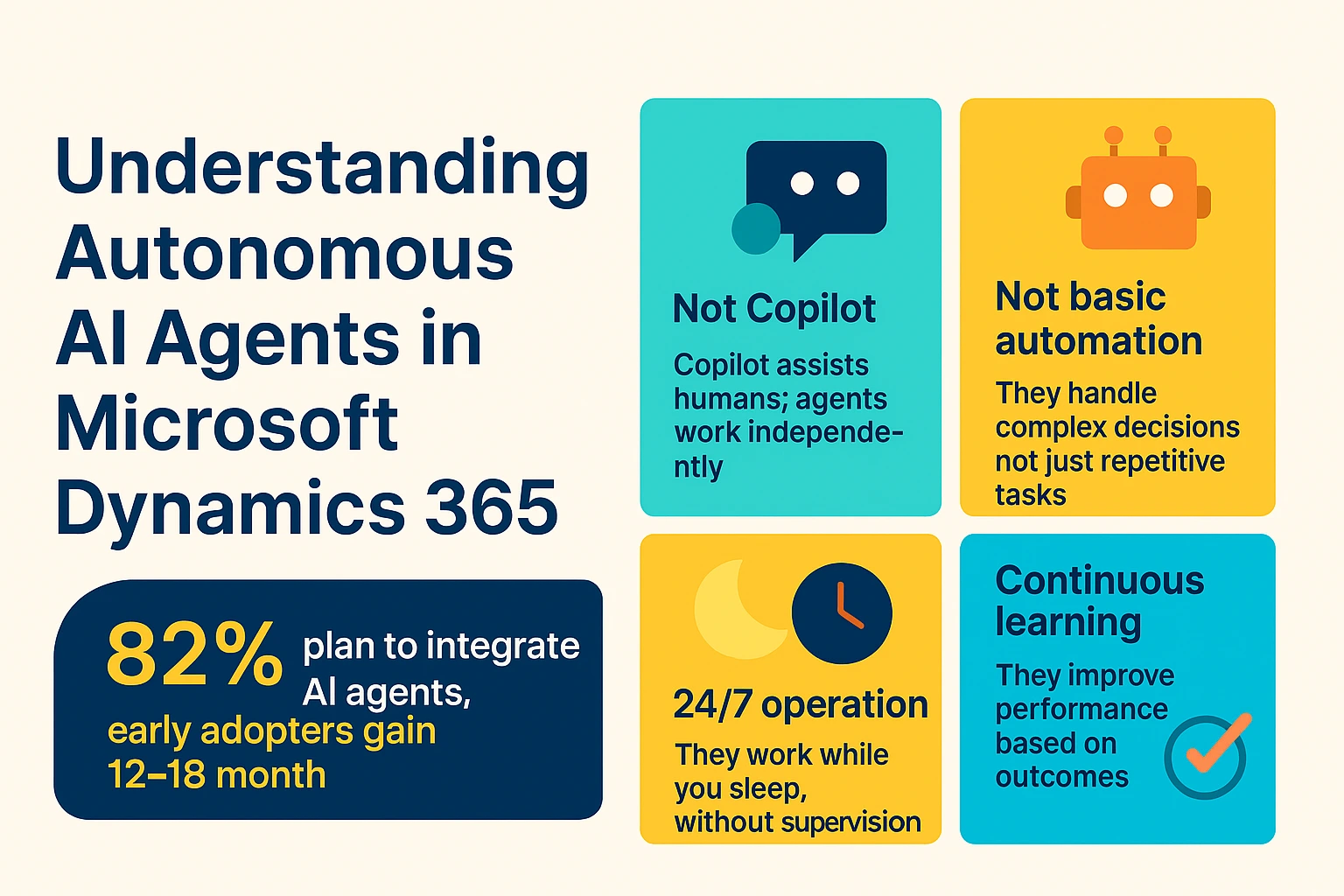
Autonomous AI agents aren't chatbots or simple automation. They're digital employees that think, decide, and act independently within your Microsoft Dynamics 365 CRM and Microsoft Dynamics 365 ERP systems.
Here's what makes them different:
- Not Copilot: Copilot assists humans; agents work independently
- Not basic automation: They handle complex decisions, not just repetitive tasks
- 24/7 operation: They work while you sleep, without supervision
- Continuous learning: They improve performance based on outcomes
The 10 Agents Transforming Australian Businesses
Microsoft's 2025 Wave 2 release introduced ten autonomous agents across sales, finance, service, and operations:
Sales Optimisation:
- Sales Qualification Agent researches and prioritises inbound leads, developing personalised emails automatically. Result: 9.4% revenue increase per seller.
Finance Automation:
- Account Reconciliation Agent matches ledger entries, flags discrepancies, and recommends resolutions. Result: 60-80% faster month-end close.
- Payables Agent automates invoice processing and payment workflows. Result: 70% reduction in AP processing time.
Customer Service Excellence:
- Customer Service Agent routes cases intelligently and resolves issues autonomously. Result: 20% improvement in first-call resolution.
Operations Efficiency:
- Scheduling Operations Agent matches technicians to jobs based on skills, proximity, and availability. Result: Scheduling time reduced from hours to minutes.
- Supplier Communications Agent manages supplier collaboration proactively. Result: Prevents delays through autonomous communication.
SMB-Specific (Business Central):
- Sales Order Agent reads emails, extracts data from attachments, and generates accurate quotes and orders. Result: Eliminates manual order entry errors.
- Analysis Assist Agent provides instant insights through natural language queries. Result: No technical skills required for data analysis.
The ROI Reality: Forrester research shows Microsoft Dynamics 365 Customer Service with autonomous agents delivered $14.70 million in benefits over three years with a 315% ROI. For large enterprises, savings can reach $50 million annually—equivalent to adding 187 full-time employees without hiring.
The AI Cowboy Problem: Why Cheap Can Cost You Everything
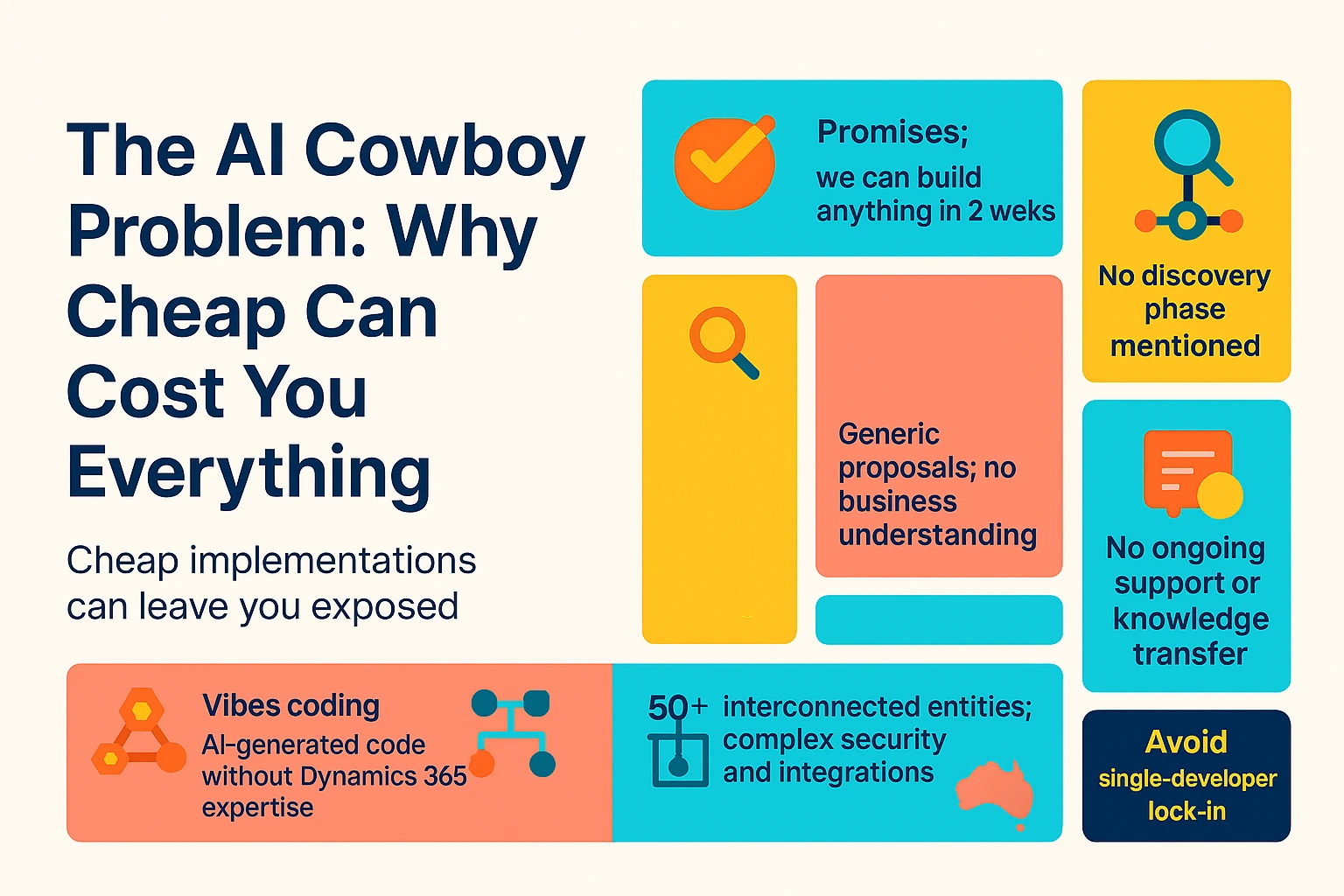
As AI agents gain popularity, a dangerous breed of provider has emerged: the "AI Cowboy" freelancer or cheap offshore developer promising fast, cheap implementations.
The warning signs:
- Promises of "we can build anything in 2 weeks"
- Suspiciously low pricing ($50-$100/hour or $5,000-$10,000 fixed projects)
- No discovery phase mentioned
- Generic proposals lacking business understanding
- No ongoing support or knowledge transfer
The Grey Area of "Vibes Coding"
"Vibes coding" happens when developers use ChatGPT or Claude to generate code without understanding Microsoft Dynamics 365 CRM development fundamentals. They paste your requirements into AI, deploy the generated code, and everything seems to work... initially.
Here's the problem: Microsoft Dynamics 365 ERP and CRM systems are incredibly complex with 50+ interconnected entities, intricate security models, and integration dependencies. AI-generated code might handle the happy path but fails catastrophically with edge cases, scale, or Australian compliance requirements.
The timeline of disaster:
- Months 1-3: Everything appears to work
- Months 4-6: Performance issues emerge, edge cases fail
- Months 6-12: Data corruption, security vulnerabilities, compliance violations
- Month 13: Complete rebuild required
Real-world example: An Australian retail company hired a $75/hour "AI specialist" for a Sales Order Agent. Initial cost: $8,500. Four months later: 127 corrupted customer records, failed GST calculations, ATO compliance at risk. Rebuild cost: $45,000 plus three months of lost revenue. Total cost of "cheap": $143,500.
Why Enterprise Systems Demand Real Expertise
Microsoft Dynamics 365 integration requires understanding:
- Complex data models and entity relationships
- Security roles and business unit structures
- Workflow dependencies and triggers
- Power Platform integration patterns
- Australian localisation (GST, superannuation, Fair Work compliance)
- Performance optimisation at scale
AI code generators miss the nuances that determine success or failure. Without knowledge transfer, you're left completely dependent on that single developer—and when they disappear, your business is held hostage.
Why C9 Is Different: Real Expertise, Real Results
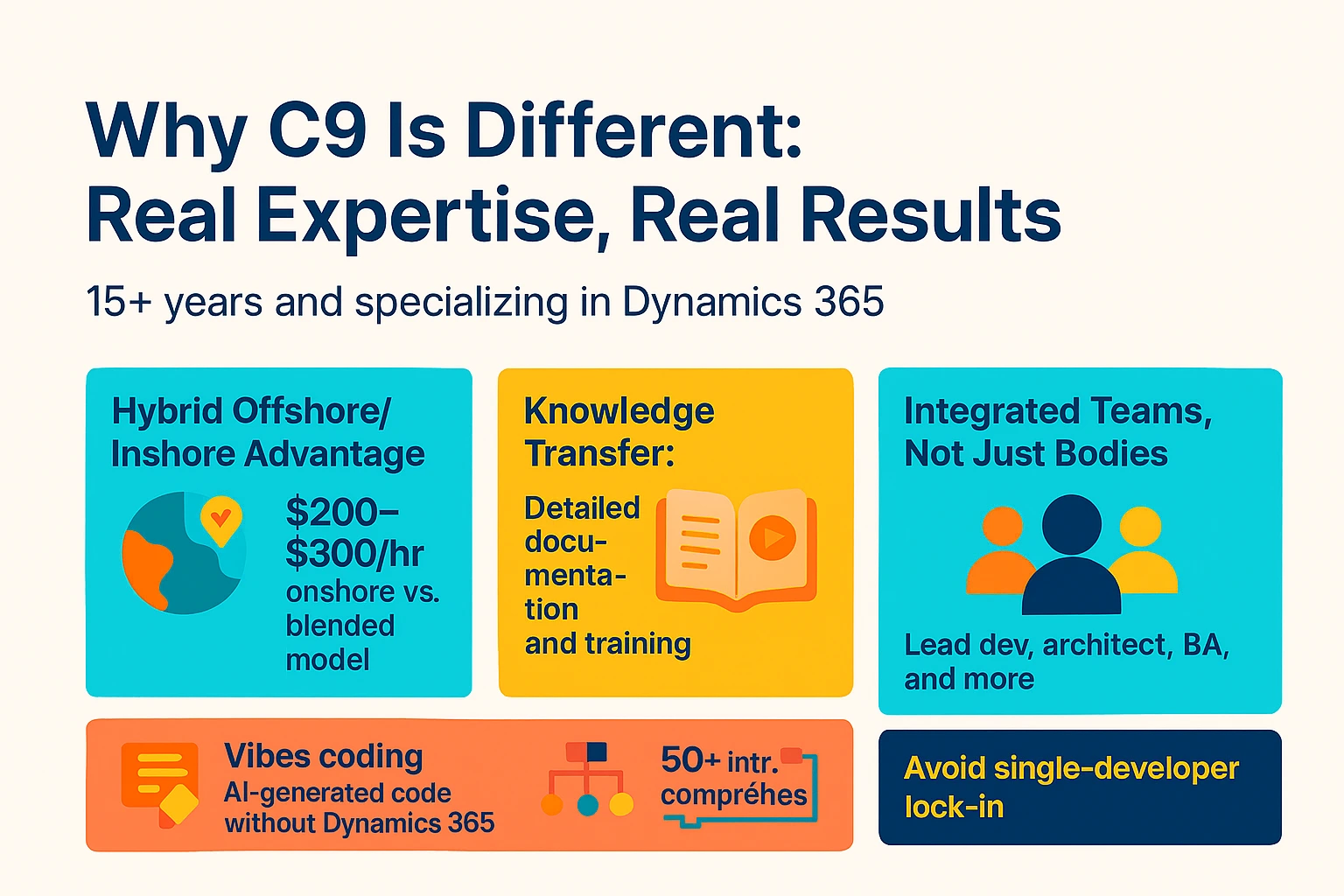
C9 has spent 15+ years specialising exclusively in Microsoft Dynamics 365 CRM development and Microsoft Dynamics 365 ERP integration. Here's what separates us from the hundreds of developers claiming Dynamics 365 expertise:
1. The Hybrid Offshore/Inshore Advantage
Most providers are either expensive onshore-only (costing $200-$300/hour) or cheap offshore-only (with communication gaps and no local context). C9 operates a blended model:
Onshore Australian presence:
- Solution architects based in Sydney and Melbourne
- Business analysts who understand Australian business practices
- Project managers in your timezone
- Face-to-face discovery and strategy sessions
- Local compliance expertise
Offshore development excellence:
- Senior developers in our directly-hired offshore centres
- 24/7 development cycles (code while you sleep)
- Cost efficiency without quality compromise
- Scalable capacity for peak periods
The result: 30-50% cost savings compared to pure onshore providers, with zero compromise on quality or communication.
Important clarification: C9 uses remote workers—we don't provide in-house local hiring in Australia. Don't expect someone showing up at your office 9-5. Our onshore team meets with you for discovery, planning, and key milestones, but daily work is remote. This model enables our cost efficiency while maintaining quality.
2. Knowledge Transfer: You Own the Solution
Unlike AI Cowboys who deliver code with no explanation, C9 provides comprehensive knowledge transfer:
- Detailed technical documentation of all customisations
- Architecture diagrams and data flow documentation
- Video training sessions for your team
- "Why" documentation explaining every decision
- Runbooks for common scenarios
- Ongoing support and capability building
The bus factor protection: What happens if your developer disappears? With proper knowledge transfer, your business continues. Without it, you're starting from scratch.
3. Integrated Teams, Not Just Bodies
C9 doesn't just provide individual developers. Even on single-resource engagements, you get:
- Lead developer for hands-on implementation
- Solution architect oversight and quality assurance
- Business analyst support as needed
- Project manager coordination
- QA specialist testing
- Support engineers for backup and coverage
The difference: Hire a freelancer and get one person with one skillset. Hire C9 and get a resource backed by an entire expert team.
Staff Augmentation: Flexible Microsoft Dynamics 365 Development Resources
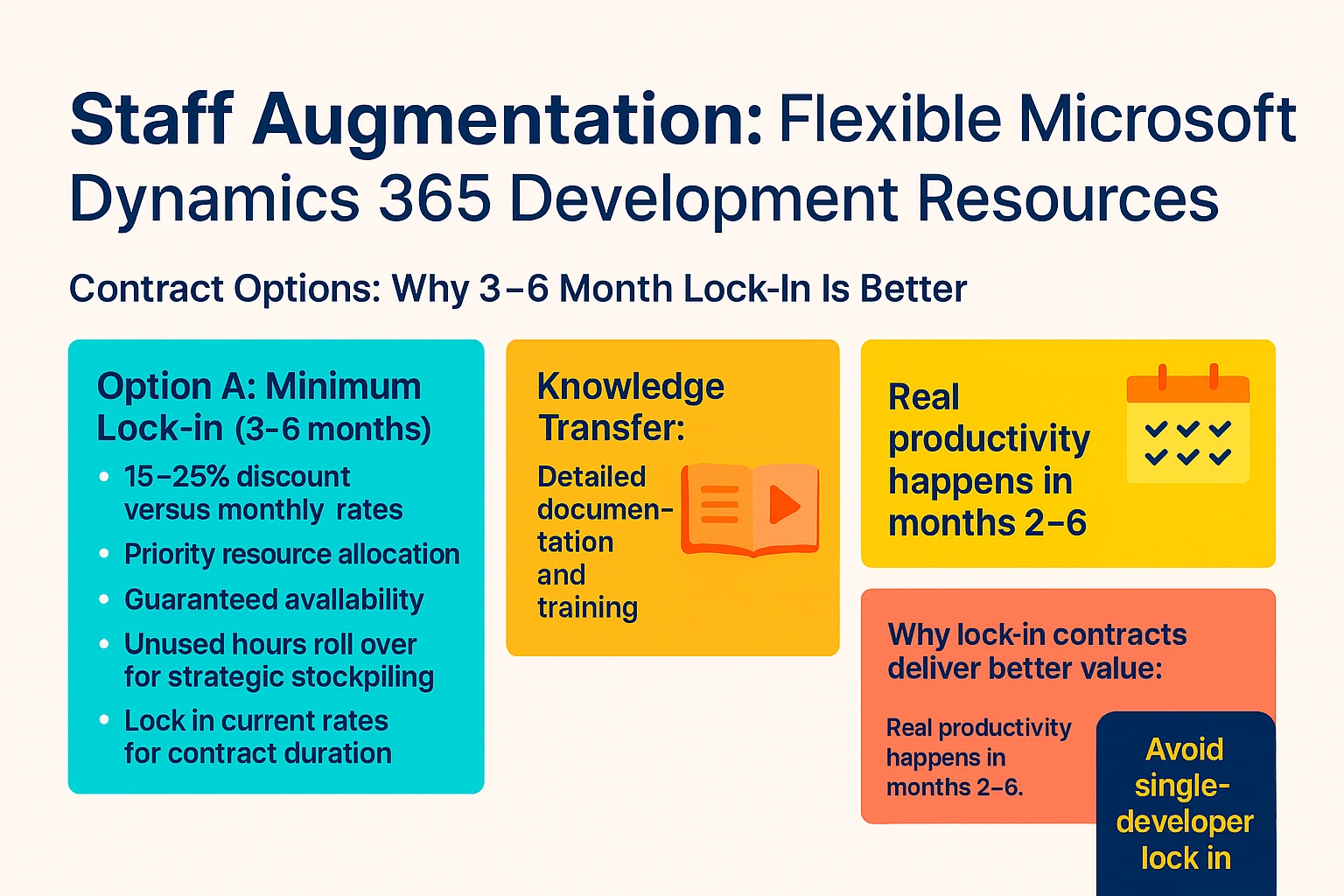
Need specialised Microsoft Dynamics 365 integration expertise for 3-18 months without full-time hiring? C9's staff augmentation model provides dedicated resources integrated with your team.
Contract Options: Why 3-6 Month Lock-In Is Better
Option A: Minimum Lock-In (3-6 months)
- 15-25% discount versus monthly rates
- Priority resource allocation
- Guaranteed availability
- Unused hours roll over for strategic stockpiling
- Lock in current rates for contract duration
Option B: Monthly Rolling
- Month-to-month, cancel with 30 days notice
- Standard rates (no long-term discount)
- Resource availability subject to capacity
- No hour rollover
Why lock-in contracts deliver better value:
The first 2-4 weeks are orientation—learning your business, understanding your data model, building team relationships. Real productivity happens in months 2-6. Monthly contracts often terminate right when ROI begins.
Cost comparison example:
Monthly Rolling (6 months @ 80 hrs/month):
6 × 80 hours × $175/hr = $84,000

3-6 Month Lock-In (480 hours with 20% discount):
480 hours × $140/hr = $67,200

SAVINGS: $16,800 (20%) plus rollover flexibility
Transparent Pricing: Skillset-Based Rates
Unlike providers charging one rate for everything, C9's rates vary based on the expertise required. Our FY25/26 rates (AUD, excluding GST):
Development & Implementation:
- Offshore Senior Developer: $125-$155/hour
- Blended Mid-Level Developer: $135-$165/hour
- Onshore Senior Developer: $170-$210/hour
- Solution Architect: $195-$245/hour
Analysis & Support:
- Business Analyst (Offshore): $105-$135/hour
- Business Analyst (Onshore): $155-$195/hour
- Project Manager: $155-$195/hour
- Support Engineer: $95-$175/hour (depending on level)
Volume discounts available: 3-month lock-in (10-15% off), 6-month lock-in (15-20% off), annual contracts (20-25% off), multi-resource engagements (additional 5-10% off).
Discovery Calls: Your Most Critical Investment
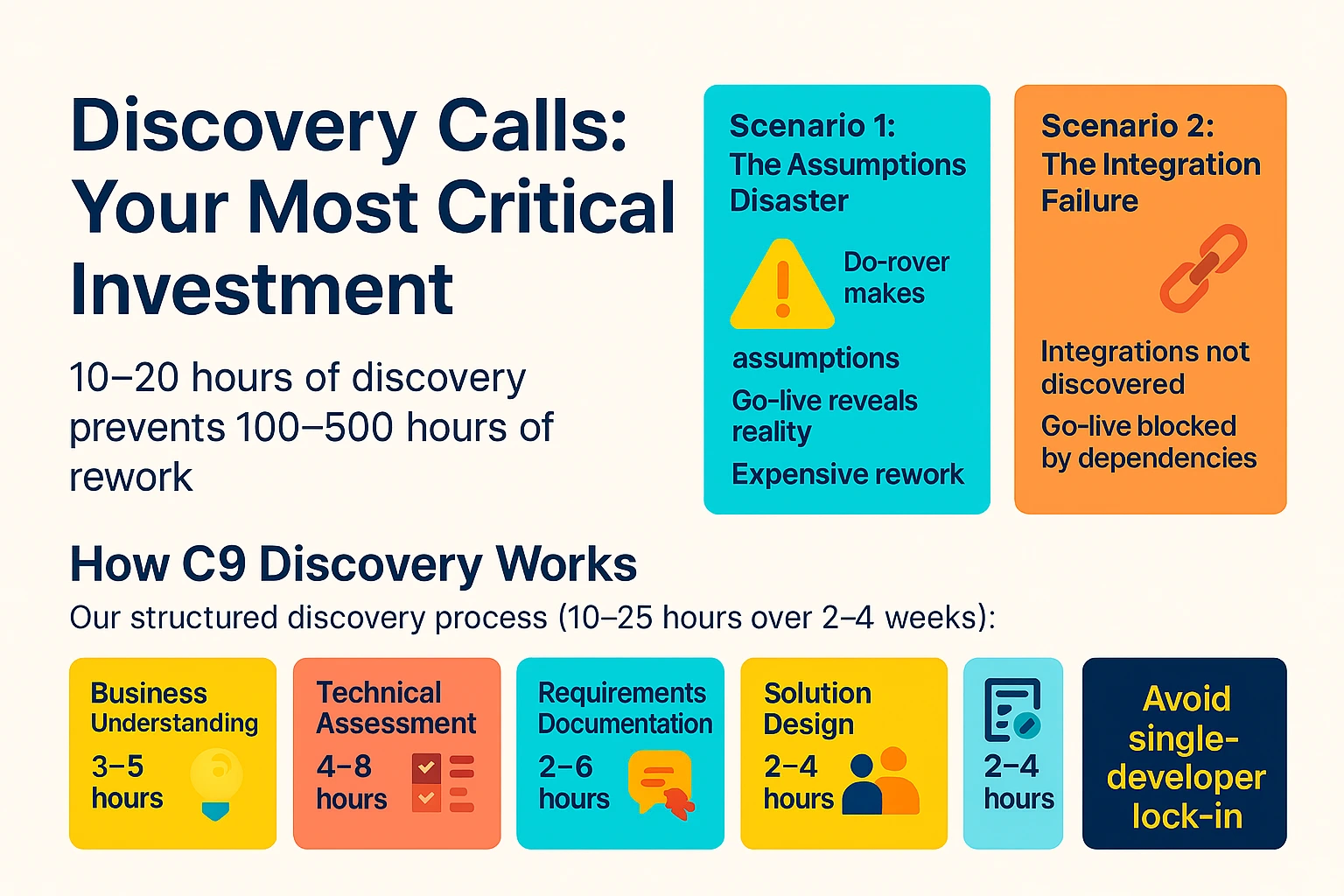
Here's the uncomfortable truth: 90% of failed Microsoft Dynamics 365 CRM implementations start with skipped or rushed discovery. The 10-20 hours invested in discovery saves 100-500 hours of rework, scope creep, and potential failure.
What Happens When You Skip Discovery
Scenario 1: The Assumptions Disaster Developer makes assumptions about your processes. Builds a solution for a "typical" business. Go-live reveals nothing matches your reality. Expensive rework required. Budget doubles.
Scenario 2: The Integration Failure Existing system integrations not discovered. Data migration complexity underestimated. Security requirements missed. Go-live blocked by unforeseen dependencies. Emergency fixes required.
Real-world cost: An Australian manufacturing company skipped discovery and accepted a fixed quote for Microsoft Dynamics 365 integration. Quote: $45,000. After discovering legacy system complexity, custom workflows, 15 third-party integrations, and Australian tax requirements, actual cost: $178,000 with a 9-month delay.
How C9 Discovery Works
Our structured discovery process (10-25 hours over 2-4 weeks):
- Business Understanding (3-5 hours): Current process mapping, pain point identification, stakeholder interviews, success criteria definition
- Technical Assessment (4-8 hours): System audit, data quality analysis, integration points, security requirements, Australian localisation needs
- Requirements Documentation (3-6 hours): Functional specifications, technical architecture, data migration strategy, testing plan
- Solution Design (2-4 hours): Proposed approach, agent configuration, custom development requirements, integration architecture
- Detailed Scoping (2-4 hours): Hour-by-hour task breakdown, resource allocation, risk identification, accurate pricing
What you receive:
- Business Requirements Document (15-40 pages)
- Technical Architecture Document
- Project Implementation Plan
- Accurate Fixed-Price Proposal (not indicative guesswork)
- Risk Assessment & Mitigation Plan
Discovery investment: $3,500-$12,500 depending on complexity. 100% credited toward your project if you proceed with C9.
Why Discovery Identifies Critical Decision Points
Discovery reveals your TRUE timeline and costs. Most clients think "we need this in 2 months." Discovery shows:
- 2 months: Not possible given integration complexity
- 4 months: Achievable with MVP/Phase 1 approach
- 6-8 months: Full implementation with proper testing
Knowing the real timeline lets you plan launches, allocate resources, manage stakeholder expectations, and make strategic decisions. Fantasy timelines lead to panic, rushed work, and quality compromises.
Indicative Pricing: Why It's Completely Useless
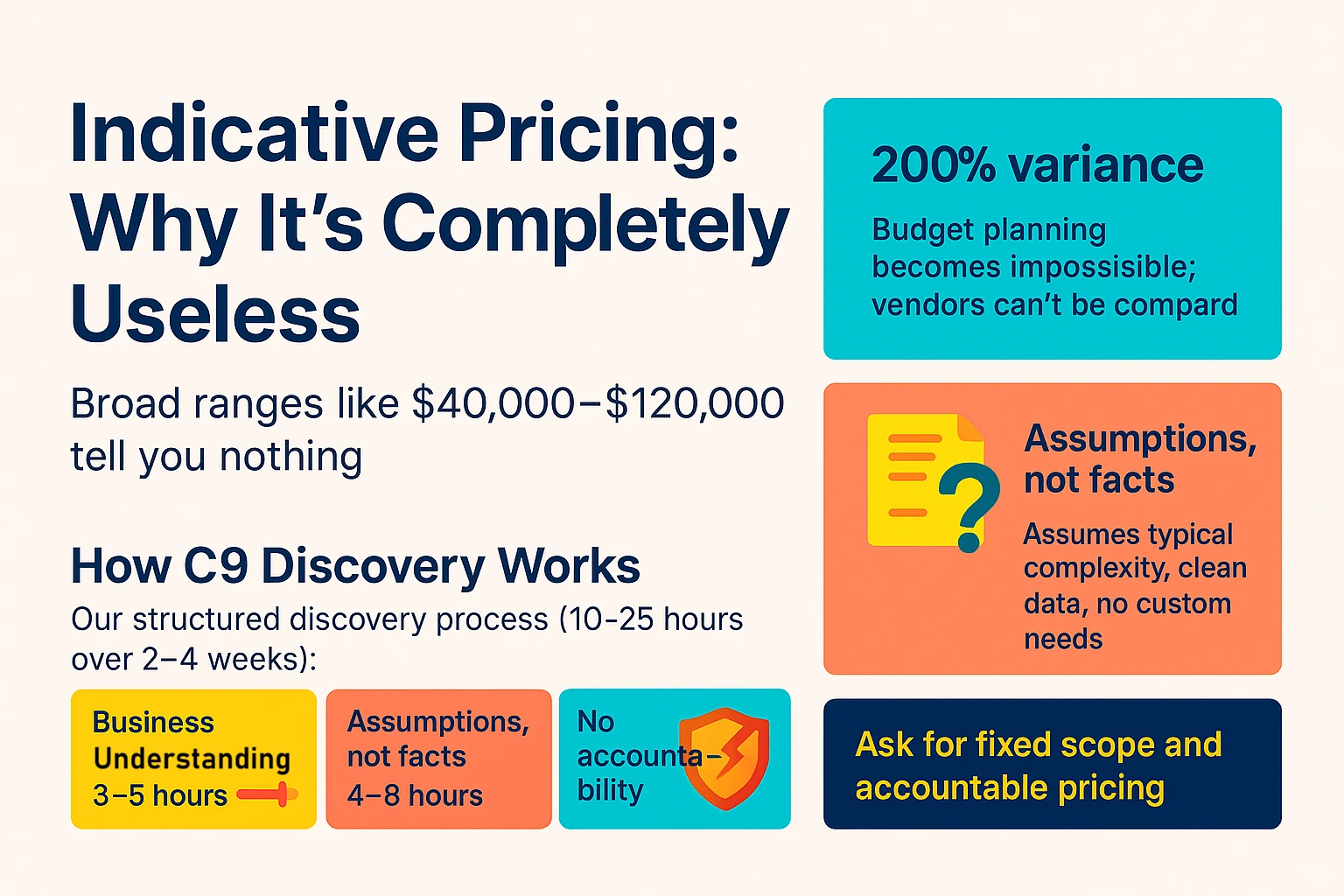
Many vendors offer "indicative pricing"—broad ranges like $40,000-$120,000 for a project. This is worthless for three reasons:
1. The range is too wide to be meaningful A 200% variance tells you nothing. Budget planning becomes impossible. You can't compare vendors. It's often used as bait-and-switch.
2. Built on assumptions, not facts Assumes "typical" complexity, clean data, straightforward processes, no custom requirements. Reality always differs.
3. No accountability Easy to come in at the high end or above. "Scope changed" is the standard excuse. Client exposed, vendor protected.
Discovery-Based Pricing vs. Indicative Guesswork
Indicative approach: Estimated to the nearest day or week. Example: "20-60 days of work = $40K-$120K at $200/day."
C9's discovery-based approach: Every task identified and estimated to the nearest 2-4 hours:
- Configure Sales Qualification Agent → 12 hours
- Set up lead scoring model → 8 hours
- Create custom email templates → 6 hours
- Integrate with Outlook → 16 hours
- Configure security roles → 4 hours
Total calculation example:
Core tasks: 312 hours × $148 (weighted avg) = $46,176
Testing/QA: 62 hours × $135 = $8,370
PM/Coordination: 28 hours × $165 = $4,620
Documentation: 18 hours × $135 = $2,430
Contingency (10%): $6,160
TOTAL: $67,750 (±10% = $61K-$74.5K range)
The difference: 10-15% variance (versus 200% with indicative pricing). Based on actual work breakdown. Transparent and fair.
Real-World Comparison
Vendor A (Indicative Pricing): Initial quote: $45,000-$135,000 based on 2-hour call. After starting, discovers legacy ERP issues, data problems, complex workflows. Revised quote: $187,000. Overage: 316% above low end.
C9 (Discovery-Based): Discovery investment: $8,400 (3 weeks). Findings identify all complexity upfront. Accurate quote: $162,250 (±$16K). Final delivered cost: $168,430. Variance: 3.8%
Client saved $18,570 and avoided budget crisis.
Staged Implementation: Turn ROI Into Future Funding
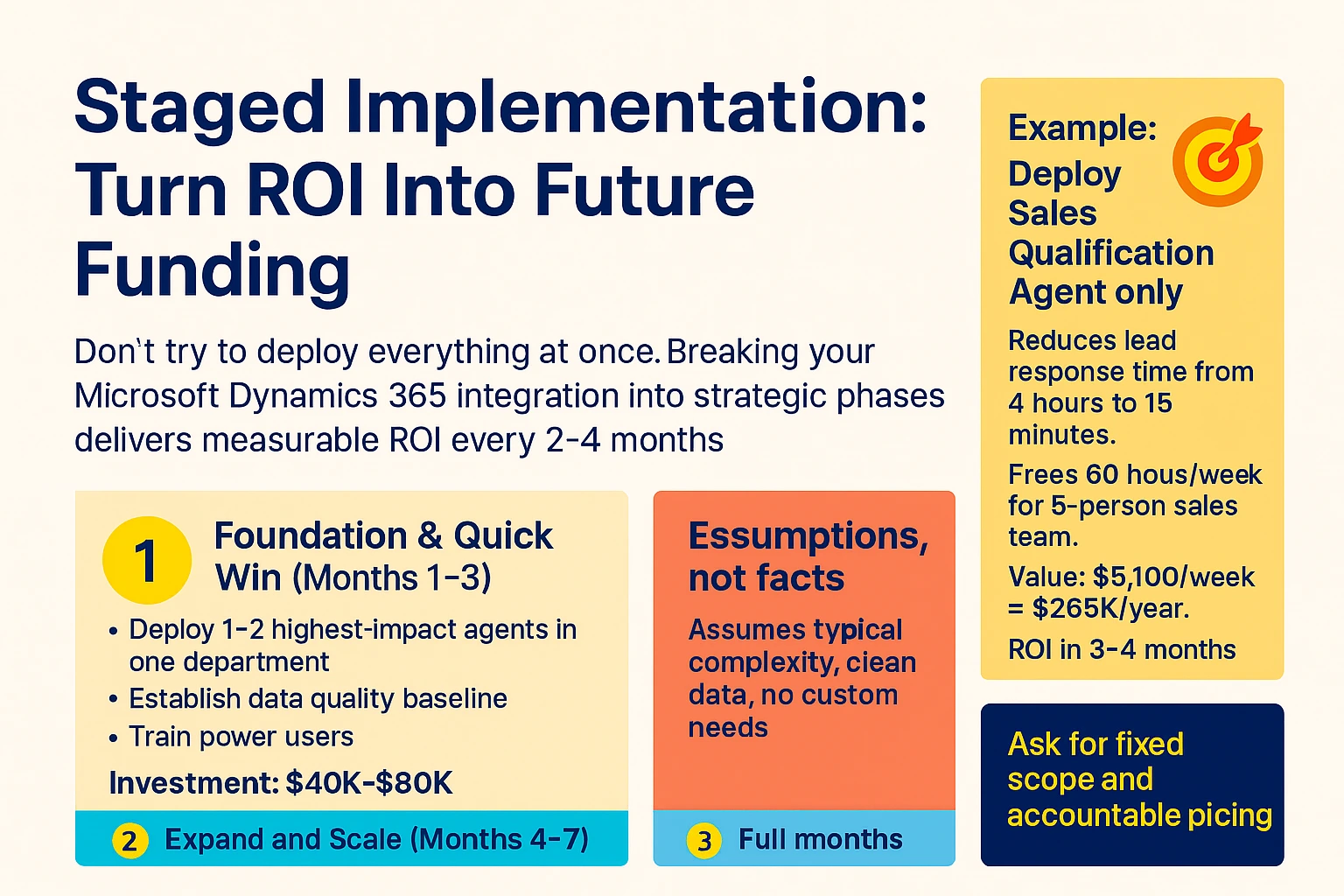
Don't try to deploy everything at once. Breaking your Microsoft Dynamics 365 integration into strategic phases delivers measurable ROI every 2-4 months while using savings to fund future phases.
Phase 1: Foundation & Quick Win (Months 1-3) Deploy 1-2 highest-impact agents in one department. Establish data quality baseline. Train power users. Investment: $40K-$80K.
Example: Deploy Sales Qualification Agent only. Reduces lead response time from 4 hours to 15 minutes. Frees 60 hours/week for 5-person sales team. Value: $5,100/week = $265K/year. ROI in 3-4 months.
Phase 2: Expand and Scale (Months 4-7) Add finance automation and additional departments. Funded by Phase 1 savings.
Phase 3: Full Transformation (Months 8-12) Deploy remaining agents across organisation. Optimise and refine.
The compounding effect:
- Month 4-6: Phase 1 generates $90K-$132K in savings
- Month 7: Use savings to fund Phase 2 ($75K investment)
- Month 10-12: Both phases generating $50K/month combined
- Year 2: Further improvements funded by ongoing savings
After Phase 1 ROI, you're essentially getting Phase 2 and 3 "free"—funded by the productivity gains you've already achieved.
Take the Next Step: Partner With C9 for Success
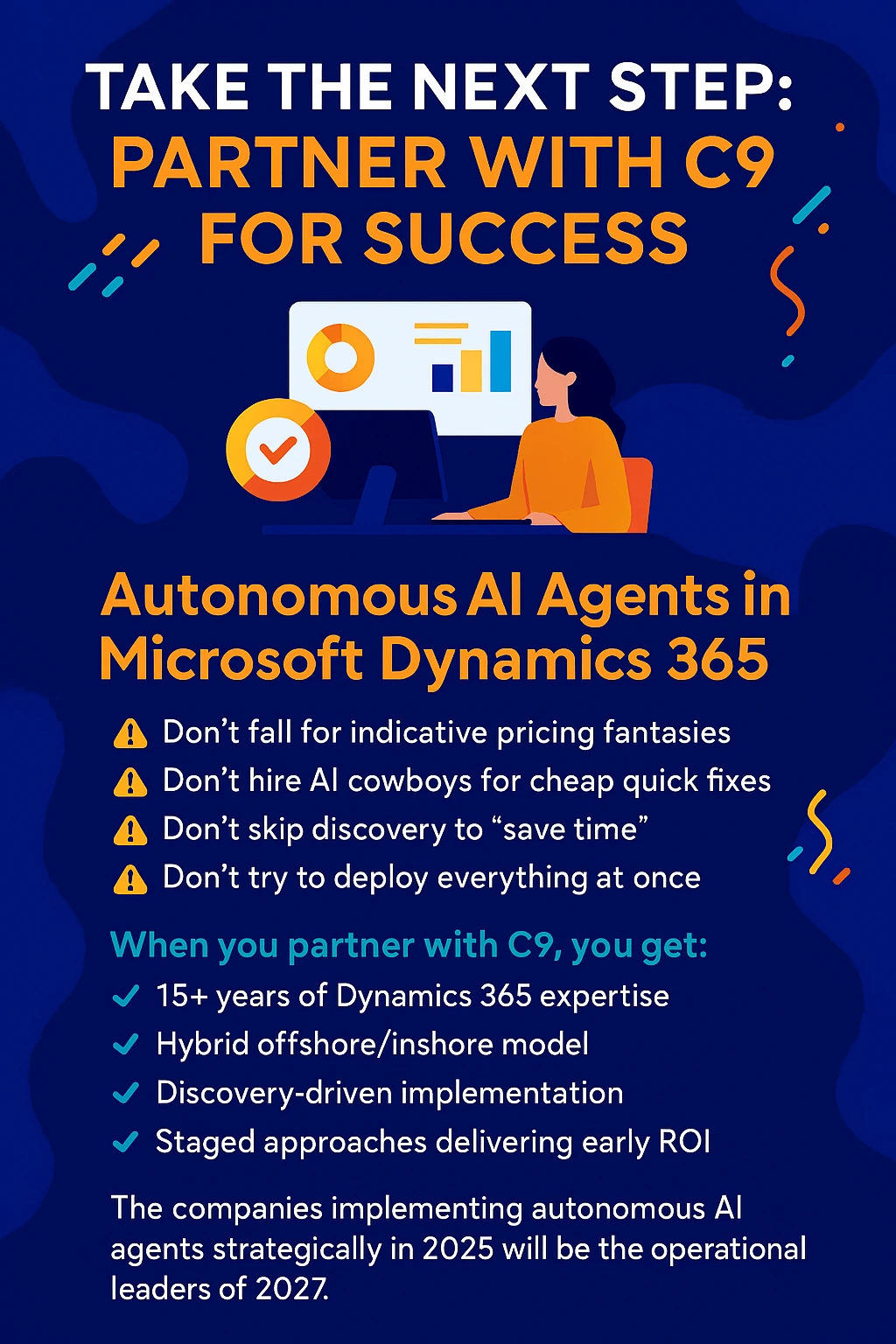
Autonomous AI agents in Microsoft Dynamics 365 represent a fundamental shift from software you operate to digital employees that work independently. The potential is enormous—$50 million annual savings for large enterprises, 315% ROI, and 24/7 operations.
But success requires avoiding the traps:
- Don't fall for indicative pricing fantasies
- Don't hire AI Cowboys for cheap quick fixes
- Don't skip discovery to "save time"
- Don't try to deploy everything at once
When you partner with C9 for Microsoft Dynamics 365 CRM development and integration, you get:
- 15+ years of specialised Dynamics 365 expertise
- Hybrid offshore/inshore model delivering 30-50% cost savings
- Comprehensive knowledge transfer and documentation
- Integrated teams, not just individual developers
- Discovery-driven implementation preventing costly failures
- Transparent, skillset-based pricing
- Staged approaches delivering early ROI
The companies implementing autonomous AI agents strategically in 2025 will be the operational leaders of 2027. The question isn't whether to implement—it's whether you'll do it right.
Ready to Transform Your Business Operations?
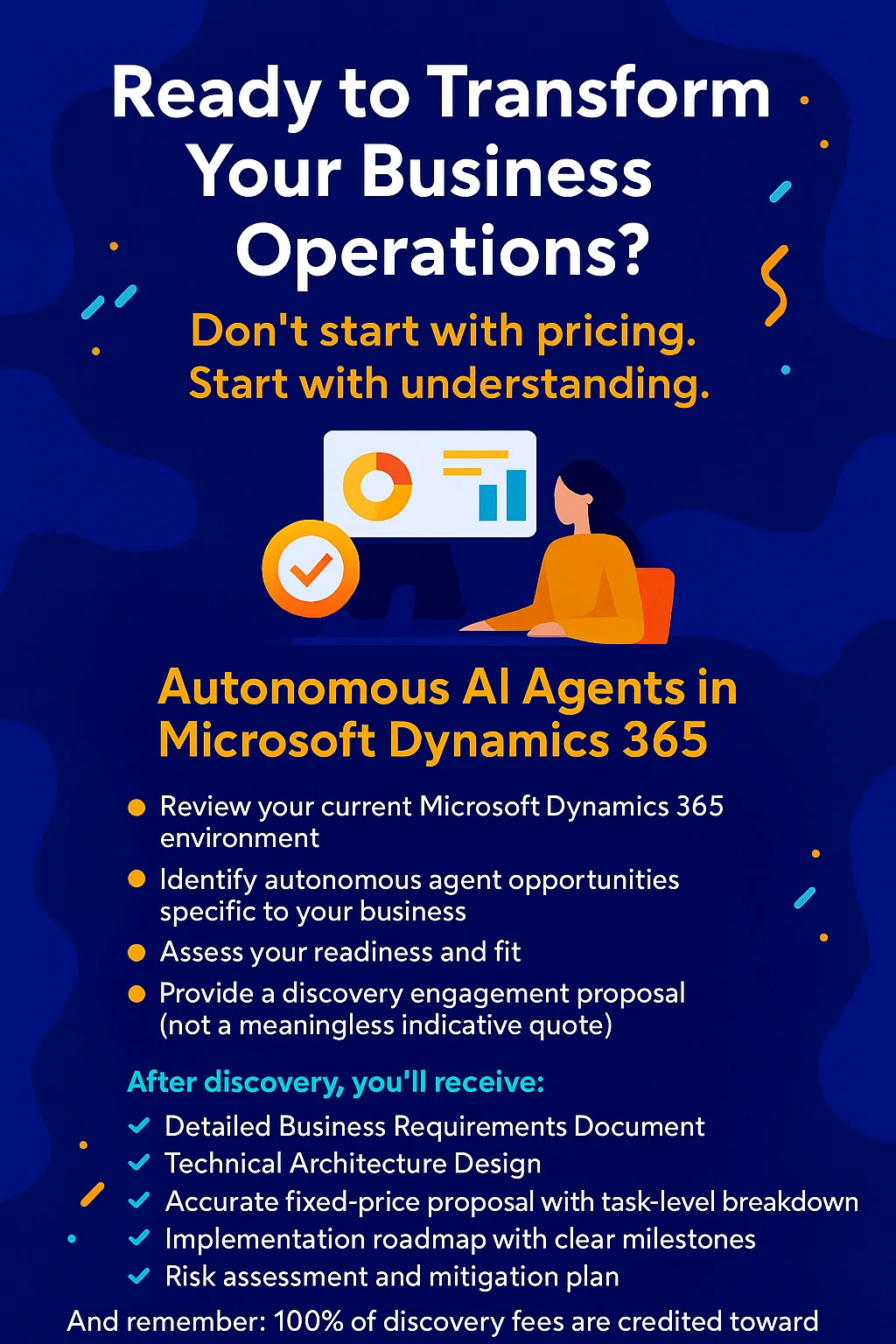
Don't start with pricing. Start with understanding.
Schedule your free initial consultation (60-90 minutes) where we'll:
- Review your current Microsoft Dynamics 365 environment
- Identify autonomous agent opportunities specific to your business
- Assess your readiness and fit
- Explain our discovery process
- Provide a discovery engagement proposal (not a meaningless indicative quote)
After discovery, you'll receive:
- Detailed Business Requirements Document
- Technical Architecture Design
- Accurate fixed-price proposal with task-level breakdown
- Implementation roadmap with clear milestones
- Risk assessment and mitigation plan
And remember: 100% of discovery fees are credited toward your project if you proceed with C9. Zero risk, all upside.
Contact C9 Today
Website: /
Don't let your competitors gain an 18-month lead while you're still evaluating. The time to act is now—but the time to plan is first.
Frequently Asked Questions
Q: How long does autonomous agent implementation take?
A: Phase 1 (1-2 agents) typically takes 2-4 months. Full implementation of multiple agents takes 6-12 months. Staged approaches deliver ROI every quarter.
Q: What's the minimum investment for autonomous agents?
A: Discovery: $3,500-$12,500. Phase 1 implementation: $40,000-$80,000. Total project costs vary based on complexity, typically $80,000-$300,000 for SMBs.
Q: Do I need Dynamics 365 already to use autonomous agents?
A: Agents are built for Dynamics 365, so you'll need Business Central, Sales, Customer Service, Finance, or F&O. We can help with migration if you're on legacy systems.
Q: How do I choose between staff augmentation and fixed-price projects?
A: Staff augmentation works for ongoing needs and flexible scopes. Fixed-price suits well-defined projects with clear deliverables. Discovery helps determine the best approach.
Q: What happens if my "cheap" developer has already started?
A: We can assess the current state and determine if rescue/rebuild is necessary. Many clients come to us after failed implementations. The sooner we intervene, the less costly the recovery.
Q: Are autonomous agents secure for Australian businesses?
A: Yes. Agents follow Microsoft's security, privacy, and responsible AI commitments. Australian data residency options are available. We ensure compliance with Australian Privacy Act and industry regulations.
About C9
C9 is Australia's leading custom software, apps, integration, and database developer specialising in Microsoft Dynamics 365 CRM and ERP solutions. With 15+ years of experience and 200+ successful Australian implementations, we combine onshore expertise with offshore efficiency to deliver transformational business solutions at competitive prices.
Our hybrid model, comprehensive knowledge transfer, and discovery-driven approach ensure your Microsoft Dynamics 365 investment delivers measurable ROI while building internal capability.
Let's build your digital workforce together.
Published: December 2024 | Category: Microsoft Dynamics 365, AI Automation, Business Technology
AI Transparency Notice:
This article was produced with the assistance of artificial intelligence tools, including content drafting, visual asset creation, and audio generation. All content has been reviewed and approved by C9 prior to publication.