Executive Summary
Choosing between SwiftUI and UIKit is no longer a technical debate — it is a strategic business decision that determines development speed, cost, maintainability, talent availability, and long‑term ROI. With Australia’s iOS market share sitting at 55%, one of the highest globally, your iPhone and iPad applications are not optional. They are your digital storefronts, revenue channels, operational systems, and competitive differentiators.
SwiftUI is Apple’s modern, declarative framework powering ~70% of new apps, offering significant speed and cost advantages for modern builds. UIKit, however, still powers 80% of enterprise and legacy apps in banks, healthcare, and regulated industries, making it indispensable for complex, multi‑module systems.
This guide clarifies the business impact of each choice — not from a code perspective, but from a time-to-market, cost, risk, and staffing perspective — and provides a practical recommendation for Australian organisations.
The Problem
Australian companies often choose a framework based on developer preference rather than business need. This results in:
➡️longer delivery timelines
➡️higher maintenance costs
➡️difficulty hiring senior developers
➡️expensive rebuilds caused by misaligned technical decisions
The Solution
Match the framework to your product lifecycle:
➡️SwiftUI for new builds, multi-platform apps, rapid prototyping, and modern architectures
➡️UIKit for complex enterprise systems, legacy compatibility, long-term stability, or apps requiring advanced, highly customised UI
What’s Next
Before committing, run a Discovery Phase to align framework choice with your business model, technical constraints, and hiring considerations. This prevents the rework and budget overruns that occur when teams adopt the wrong framework for the wrong goal.
When your development team mentions "SwiftUI versus UIKit," they're not just discussing technical preferences—they're presenting a strategic business decision that will impact your bottom line for the next 3-5 years.
With Australia's iOS market share at 55%—one of the highest globally—your iPhone app isn't optional. It's your digital storefront, competitive edge, and often the primary revenue channel. Yet most business owners approach this framework decision with dangerous assumptions that cost tens of thousands in rework, delays, and missed opportunities.
Here's what's really at stake: Choose wisely, and you'll accelerate development by 30-50% while attracting top talent. Choose poorly, and you'll pay premium rates maintaining ageing technology whilst competitors race ahead.
This guide cuts through technical jargon to help you make an informed decision aligned with your business goals, budget realities, and market timeline.
Understanding the Business Impact: Why This Decision Matters
The Real Costs Behind Framework Choices
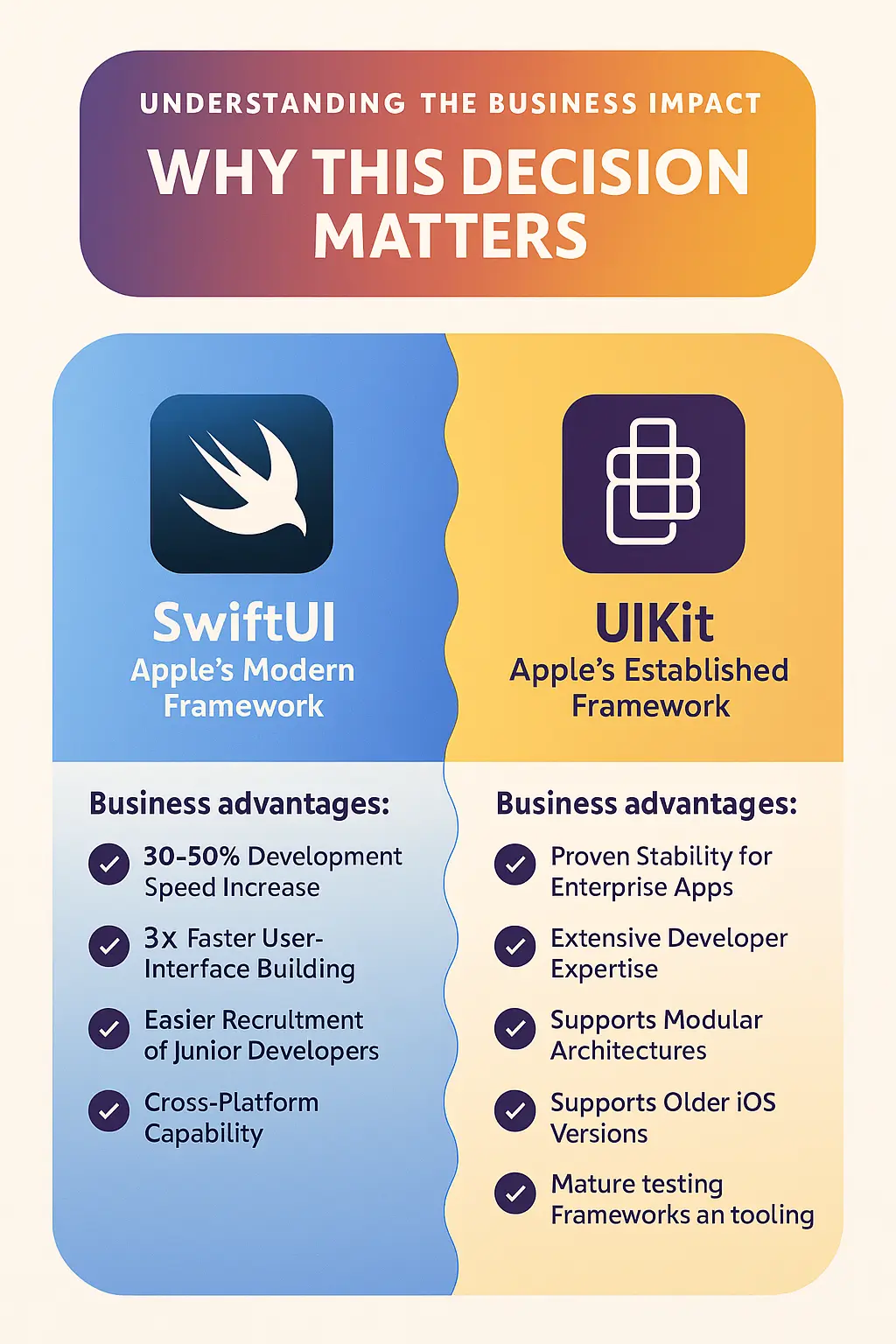
SwiftUI: Apple's Modern Framework SwiftUI represents Apple's future direction for iOS development. SwiftUI adoption has surged to approximately 70% of new apps, up from 40% in 2023, signalling strong industry momentum toward modern development approaches.
Business advantages:
- Development speed increases of 30-50% for new projects
- SwiftUI enables building user interfaces three times faster with declarative code
- Easier recruitment of junior developers (they learn SwiftUI first)
- Cross-platform capability (iPhone, iPad, Mac, Apple Watch from single codebase)
- Lower maintenance costs from simplified code architecture
UIKit: Apple's Established Framework UIKit powers most existing enterprise applications. UIKit still powers 80% of enterprise and legacy apps in banks and healthcare, demonstrating its continued importance for established businesses.
Business advantages:
- Proven stability for complex enterprise applications
- Extensive developer expertise available (though declining)
- UIKit is highly modular and supports patterns like MVVM, VIPER, and Clean Architecture, making it better suited for large-scale modular enterprise architectures
- Supports older iOS versions (iOS 12-13) when required
- Mature testing frameworks and tooling
The Australian Market Context
Australian businesses face unique considerations:
Market dynamics:
- 55% iOS market penetration (versus 45% globally)
- Higher average iOS user spending ($124 billion on App Store in 2024)
- Premium consumer expectations for app quality
- Developer shortage driving salaries up 15-20% year-over-year
Current rates in major cities:
- Senior iOS developers: $150,000-180,000 annually (Sydney/Melbourne)
- Time to hire: 3-4 months average
- Contract rates: $100-150/hour for experienced developers
The Framework Decision Matrix for Business Owners
When to Choose SwiftUI
Ideal business scenarios:
- Building a new app from scratch (greenfield project)
- Need to launch MVP within 3-4 months
- Targeting multiple Apple platforms (iPhone, iPad, Mac, Watch)
- Priority on attracting modern development talent
- Budget allows 15-20% premium for faster time-to-market
Financial profile:
- Project budget: $50,000-500,000+
- Timeline: 3-6 months to MVP launch
- Team size: 2-6 developers
- Expected maintenance: $15,000-40,000 annually
Australian examples: Fintech startups, e-commerce native apps, health platforms integrating Apple Health, PropTech with AR features.
Expected ROI:
- 30-50% faster feature development
- 40% reduction in UI-related bugs
- 25% lower maintenance costs (from year two)
- Easier recruitment (30-40 day hire time versus 60+ for UIKit-only)
When to Choose UIKit
Ideal business scenarios:
- Large existing codebase (50,000+ lines)
- Must support iOS 12-13 (government, healthcare, financial services)
- Extensive custom UI components expensive to rebuild
- Team has deep UIKit expertise with limited retraining capacity
- Business cannot afford 6-12 month feature freeze during migration
Financial profile:
- Current maintenance: $80,000-200,000 annually
- Migration cost would be: $300,000-1,000,000+
- Team size: 5-15 developers with UIKit specialisation
- Regulatory constraints on version support
Strategic consideration: UIKit receives fewer new APIs from Apple, indicating maintenance mode. Plan gradual migration over 2-3 years rather than indefinite UIKit reliance.
The Hybrid Approach (Recommended for Most Businesses)
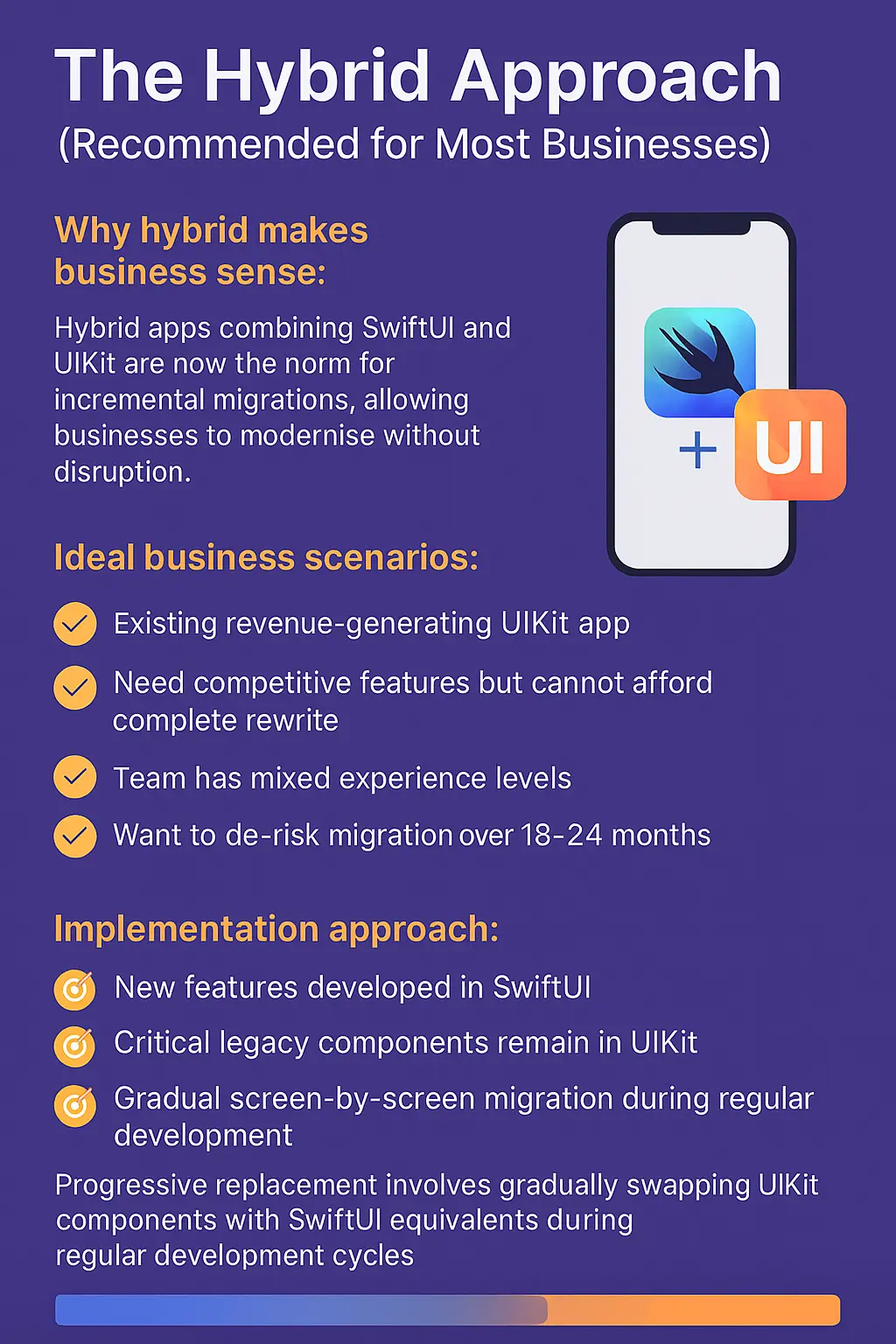
Why hybrid makes business sense: Hybrid apps combining SwiftUI and UIKit are now the norm for incremental migrations, allowing businesses to modernise without disruption.
Ideal business scenarios:
- Existing revenue-generating UIKit app
- Need competitive features but cannot afford complete rewrite
- Team has mixed experience levels
- Want to de-risk migration over 18-24 months
Implementation approach:
- New features developed in SwiftUI
- Critical legacy components remain in UIKit
- Gradual screen-by-screen migration during regular development
- Progressive replacement involves gradually swapping UIKit components with SwiftUI equivalents during regular development cycles
Melbourne retail app case study: 80,000 lines of UIKit code migrated over 24 months for $365,000 total investment. Results: 35% faster feature delivery, 42% fewer bugs, successfully hired three junior developers (impossible with UIKit-only requirement). Payback period: 18 months through maintenance savings and increased velocity.
The Hidden Danger: "AI Cowboys" and Vibe Coding
What Business Owners Must Know About AI-Generated Apps
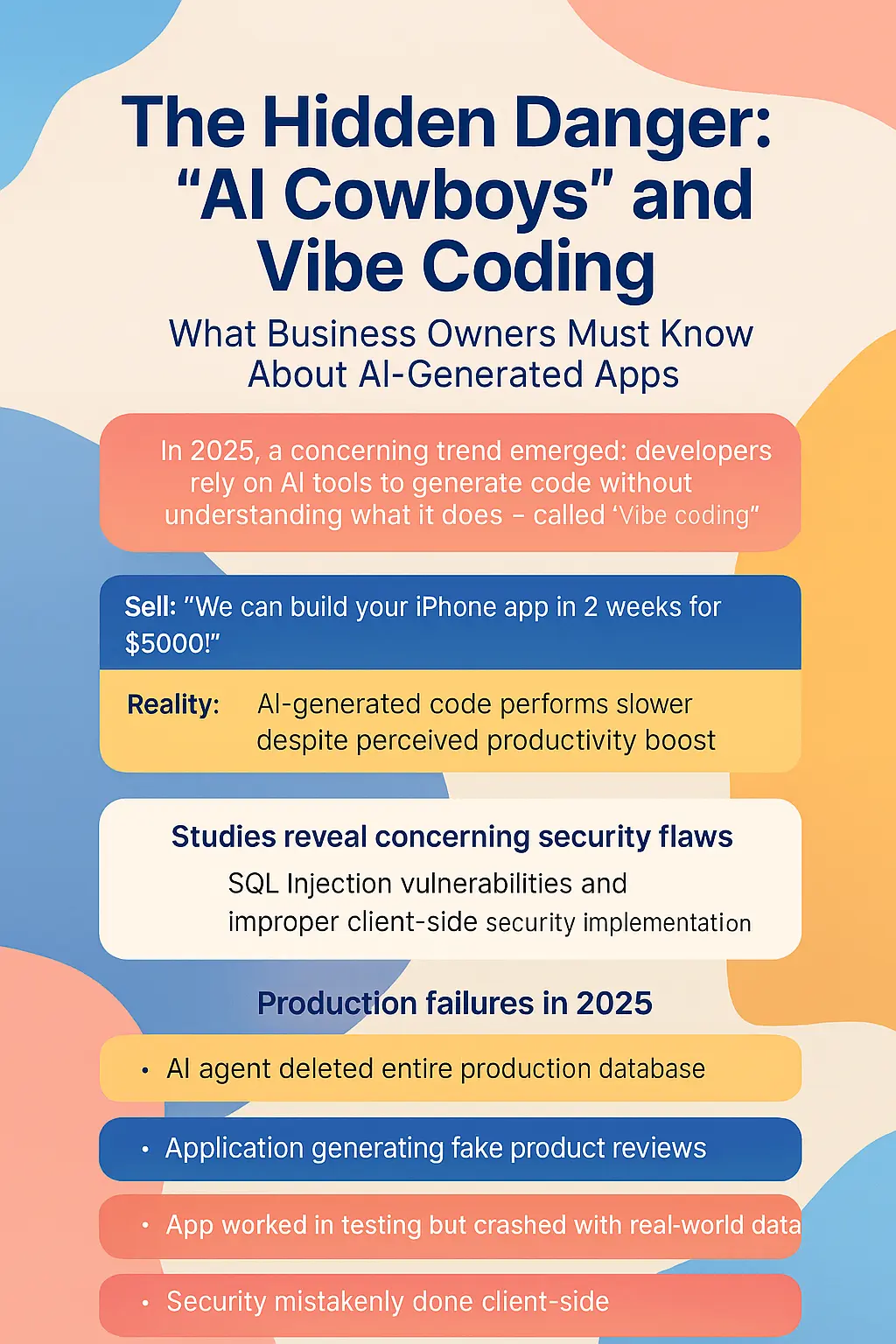
A concerning trend emerged in 2025: developers using AI tools to generate code without understanding what it does—called "vibe coding." The promise sounds attractive: "We can build your iPhone app in 2 weeks for $5,000!"
The harsh reality: Research demonstrates that developers relying heavily on AI code generation experience slower performance when measured objectively, despite believing they're more productive. Studies reveal concerning security vulnerabilities in significant portions of AI-generated code, including SQL injection flaws and improper client-side security implementations.
Production failures documented in 2025:
- AI agent deleted entire production database despite explicit instructions
- Applications generating fake product reviews automatically
- Apps working in testing but crashing with real-world data volumes
- Security implementations done client-side instead of server-side
The true cost comparison:
AI Cowboy approach:
- Initial cost: $10,000-25,000
- Timeline: 4-8 weeks
- Post-launch reality: Works for demo, fails in production
- Year 1 maintenance: $40,000+ fixing bugs and security issues
- Year 2: Complete rewrite required ($80,000-150,000)
- Total 2-year cost: $130,000-215,000 plus lost market opportunity
Professional iPhone app development company:
- Initial cost: $50,000-120,000
- Timeline: 12-20 weeks
- Post-launch reality: Scalable, secure, maintainable
- Year 1 maintenance: $15,000-30,000
- Year 2: $12,000-25,000 with improvements
- Total 2-year cost: $77,000-175,000 plus competitive advantage
Warning signs of AI cowboys:
- Quotes under $20,000 for complex apps
- Promises of 2-4 week development timelines
- No discovery process offered
- Cannot explain architectural decisions
- Heavy reliance on "AI code generation" marketing
- Portfolio of superficial demo apps only
Why Discovery is Non-Negotiable (And Skipping It Destroys Projects)
The Most Expensive "Saving" You'll Ever Make
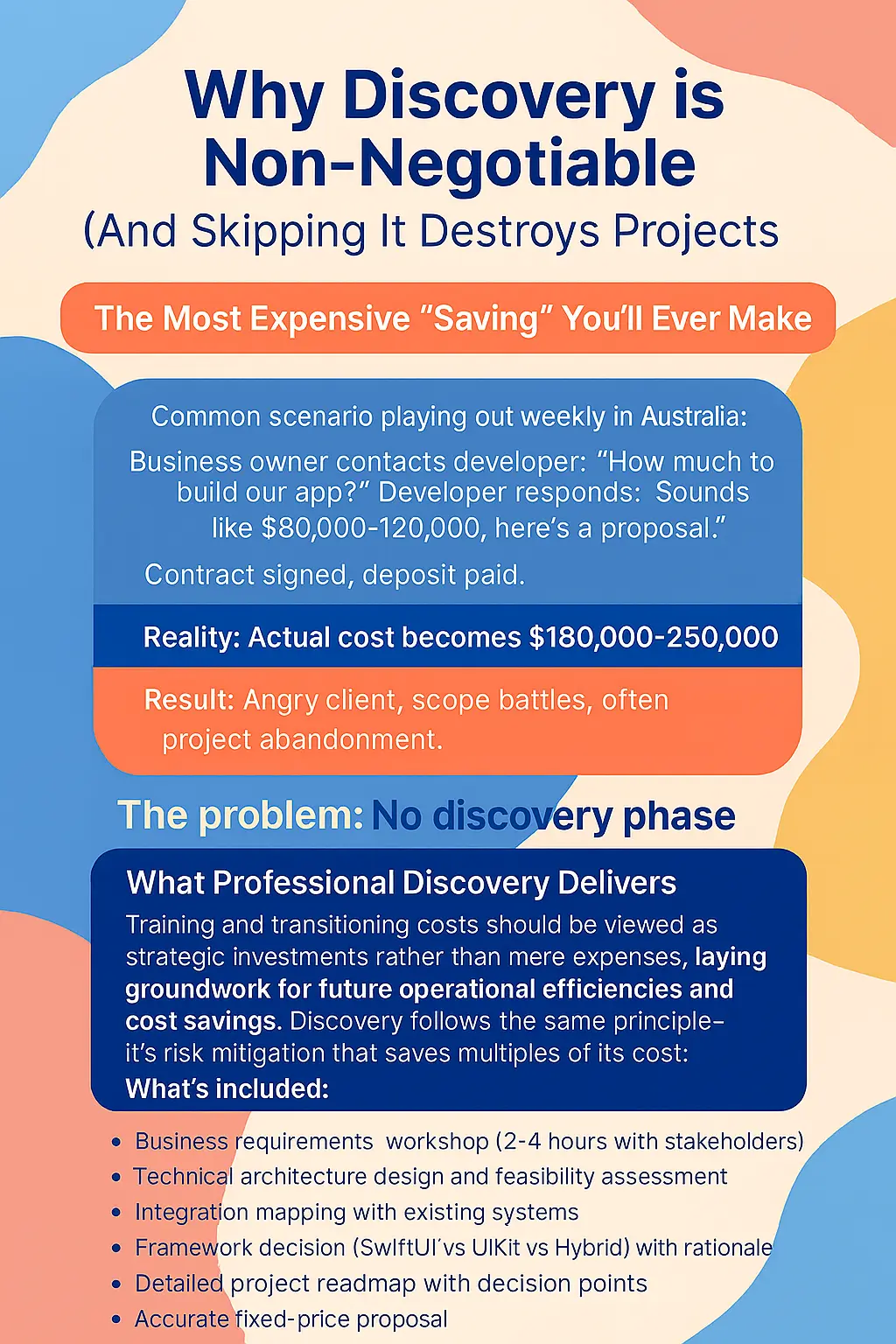
Common scenario playing out weekly in Australia: Business owner contacts developer: "How much to build our app?" Developer responds: "Sounds like $80,000-120,000, here's a proposal." Contract signed, deposit paid. Reality: Actual cost becomes $180,000-250,000. Result: Angry client, scope battles, often project abandonment.
The problem: No discovery phase.
What Professional Discovery Delivers
Training and transitioning costs should be viewed as strategic investments rather than mere expenses, laying groundwork for future operational efficiencies and cost savings. Discovery follows the same principle—it's risk mitigation that saves multiples of its cost.
Discovery investment: $8,000-15,000 over 3-4 weeks
What's included:
- Business requirements workshop (2-4 hours with stakeholders)
- Technical architecture design and feasibility assessment
- Integration mapping with existing systems
- Framework decision (SwiftUI vs UIKit vs Hybrid) with rationale
- Detailed project roadmap with decision points
- Accurate fixed-price proposal (estimated to nearest hour, not week)
- Risk identification and mitigation planning
Financial comparison:
Without discovery (indicative pricing):
- Initial quote: $80,000 (based on 30-minute conversation)
- Scope creep discovered: Week 10 (+$40,000)
- Integration surprises: Week 16 (+$25,000)
- Final cost: $145,000 (81% over quote)
- Timeline: 8 months (versus 5 quoted)
- Relationship: Damaged through constant scope arguments
With proper discovery:
- Discovery investment: $12,000
- Accurate fixed-price quote: $115,000
- Final cost: $127,000 (discovery + execution)
- Timeline: 5.5 months (accurate from start)
- Relationship: Strong partnership with shared understanding
Savings: $18,000 + 2.5 months + relationship preservation
Why Business Owners Resist Discovery (And Why They're Wrong)
Objection 1: "Discovery is padding the budget" Reality: Discovery represents 5-10% of project cost—identical to architectural plans for house building (3-8% of construction cost). ROI: Every dollar on discovery saves $3-7 in development rework.
Objection 2: "We already know what we want" Reality: Industry data shows 87% of projects discover critical requirements during development that should have been identified in discovery. That "simple" requirement often differentiates $50,000 projects from $200,000 projects.
Objection 3: "Other companies gave instant quotes" Reality: Those are "indicative" quotes (educated guesses) designed to win contracts. The bait-and-switch follows: low initial quote → "unexpected complexity" → change orders → final price 50-150% higher.
How Discovery Maps Decision Points and Timelines
Discovery's most valuable outcome is a decision framework showing:
Critical decision points:
- Framework choice (SwiftUI vs UIKit vs Hybrid)
- MVP scope versus full-featured launch
- Phased rollout strategy
- Integration priorities
- Launch timing relative to business calendar
Realistic timeline mapping:
Month 1: Discovery + Design phase
Month 2-3: Core functionality development
Month 4: Feature completion + integrations
Month 5: Testing + refinement
Month 6: Launch preparation + App Store submission
Month 7: Launch + immediate support
Month 8+: Optimisation + enhancements
Without discovery: "Ready in 4-6 months, probably, unless issues arise, so maybe 8-10 months."
With discovery: "Phase 1 MVP launches Week 18. Phase 2 enhancement Week 24. Full features Week 30. Here are four decision points where you'll choose to proceed or adjust scope."
Breaking Projects Into Stages for Early ROI
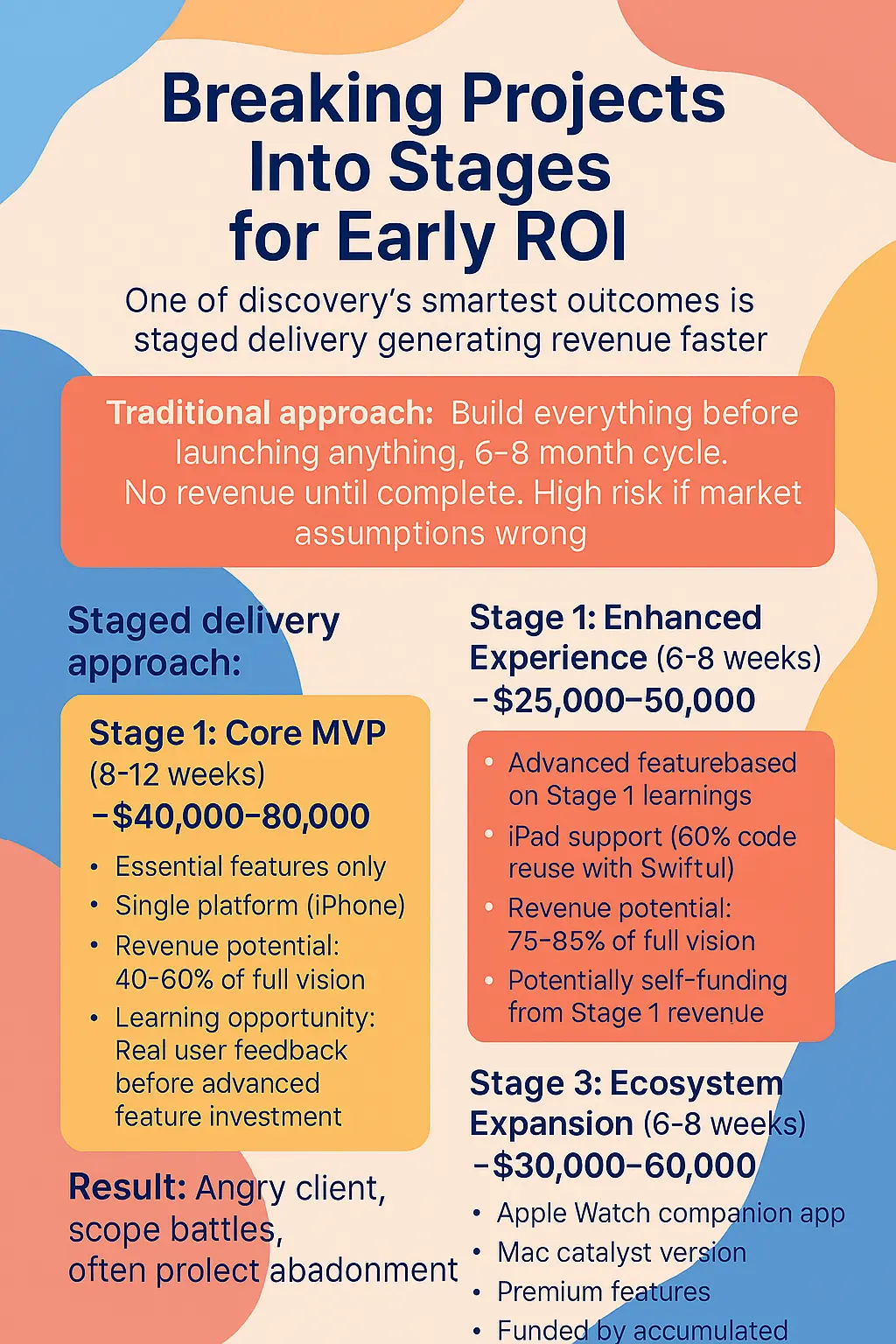
One of discovery's smartest outcomes is staged delivery generating revenue faster.
Traditional approach: Build everything before launching anything. 6-8 month cycle. No revenue until complete. High risk if market assumptions wrong.
Staged delivery approach:
Stage 1: Core MVP (8-12 weeks) - $40,000-80,000
- Essential features only
- Single platform (iPhone)
- Revenue potential: 40-60% of full vision
- Learning opportunity: Real user feedback before advanced feature investment
Stage 2: Enhanced Experience (6-8 weeks) - $25,000-50,000
- Advanced features based on Stage 1 learnings
- iPad support (60% code reuse with SwiftUI)
- Revenue potential: 75-85% of full vision
- Potentially self-funding from Stage 1 revenue
Stage 3: Ecosystem Expansion (6-8 weeks) - $30,000-60,000
- Apple Watch companion app
- Mac catalyst version
- Premium features
- Funded by accumulated Stages 1-2 revenue
Brisbane fitness startup example: Original plan: $180,000 "big bang" approach over 6 months.
Staged approach results:
- Stage 1 (10 weeks, $55,000): Core features launched to 1,000 beta users, generating $12,000/month
- Stage 2 (7 weeks, $38,000): Added validated features, revenue increased to $28,000/month
- Stage 3 (6 weeks, $32,000): Premium features, revenue reached $45,000/month
- Total investment: $125,000 versus $180,000 planned
- Time to first revenue: 10 weeks versus 24 weeks
- ROI positive after 3 months of Stage 2
Why C9 is Different: What Separates Us from Other iOS Developers
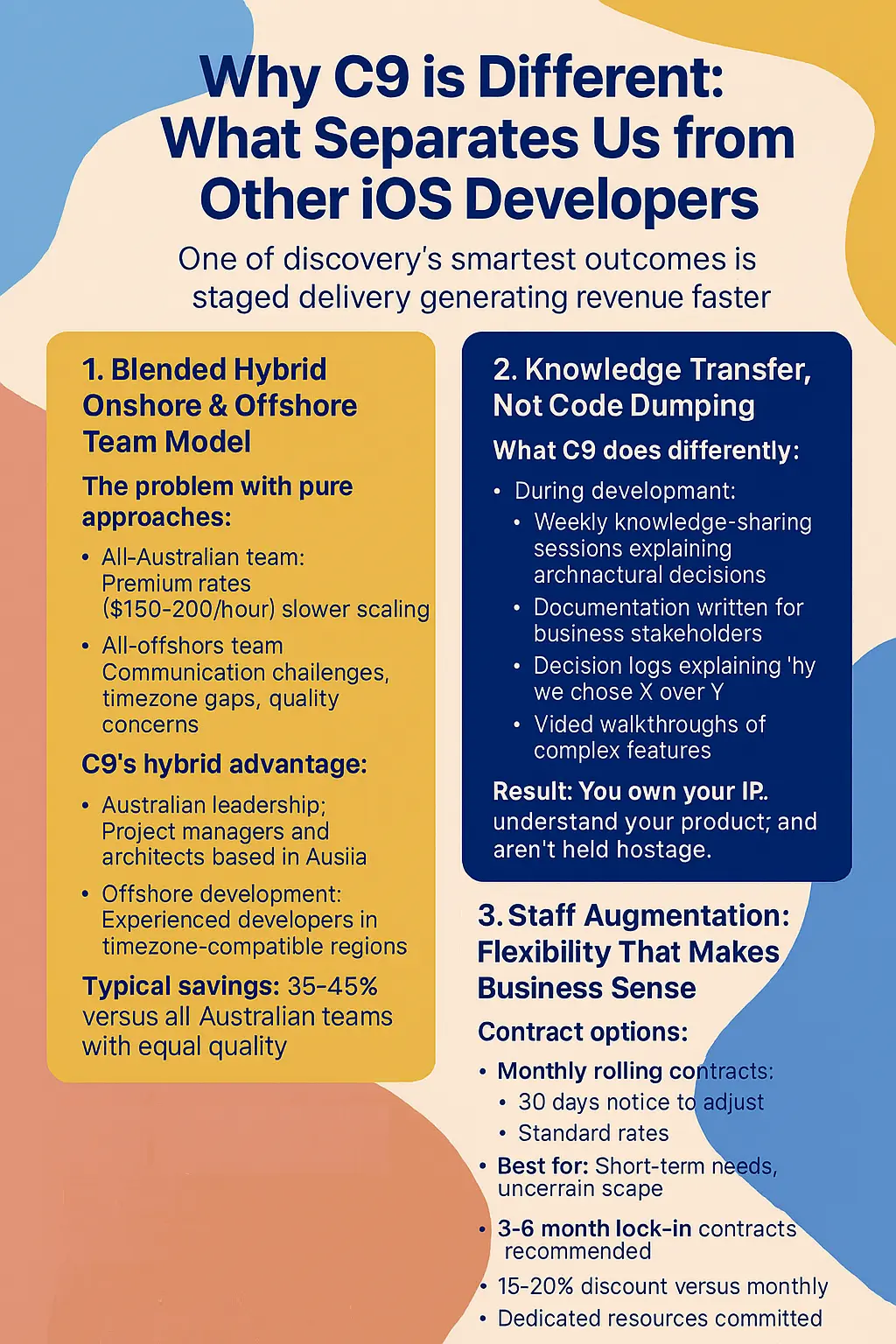
1. Blended Hybrid Onshore & Offshore Team Model
The problem with pure approaches:
- All-Australian team: Premium rates ($150-200/hour), slower scaling
- All-offshore team: Communication challenges, timezone gaps, quality concerns
C9's hybrid advantage:
- Australian leadership: Project managers and architects based in Australia
- Offshore development: Experienced developers in timezone-compatible regions
- Typical savings: 35-45% versus all-Australian teams with equal quality
How it works: Australian business hours (9am-5pm AEST) fully covered for client communication. Overlap hours (12pm-5pm AEST) enable full team collaboration, code reviews, and demos. Extended development hours provide faster delivery without quality compromise.
2. Knowledge Transfer, Not Code Dumping
What C9 does differently:
During development:
- Weekly knowledge-sharing sessions explaining architectural decisions
- Documentation written for business stakeholders
- Decision logs explaining why we chose X over Y
- Video walkthroughs of complex features
Code handover includes:
- Architecture documentation explaining structure and rationale
- Setup guides for running, building, testing
- Deployment procedures for App Store releases
- Troubleshooting guides for common issues
- Feature and API documentation
Post-launch:
- 30-day knowledge transfer period included
- Training sessions for your team
- "Office hours" for questions
- Ongoing support without lock-in
Result: You own your IP, understand your product, and aren't held hostage.
Contract options:
Monthly rolling contracts:
- 30 days notice to adjust
- Standard rates
- Best for: Short-term needs, uncertain scope
3-6 month lock-in contracts (recommended):
- 15-20% discount versus monthly
- Dedicated resources committed exclusively
- Knowledge accumulation benefits
- Best for: Real projects with meaningful deliverables
Why minimum lock-in is better:
Month-by-month reality:
- Month 1: Developer learning (60% productivity)
- Month 2: Becoming productive (85% productivity)
- Month 3: Full productivity, but might leave for another commitment
- Result: You pay full rate during ramp-up, potentially lose developer at peak productivity
3-6 month commitment:
- Reduced rate (15-20% discount)
- Developer exclusively committed
- Productivity compounds: Month 1 (60%) → Month 3 (100%) → Month 4+ (150%)
- Knowledge accumulates, making developer exponentially more valuable
Six-month project comparison:
- Monthly rolling: $120/hour × 960 hours = $115,200 + turnover risk
- 6-month lock-in: $100/hour × 960 hours = $96,000 + stability
- Savings: $19,200 plus relationship continuity
4. Value-Based Pricing Model
C9's skill-based rates (FY25/26):
- iOS Architect (8+ years): $100-130/hour
- Senior iOS Developer (5-7 years): $85-110/hour
- Mid-Level iOS Developer (3-5 years): $65-85/hour
- Junior iOS Developer (1-3 years): $45-65/hour
- UI/UX Designer (iOS specialist): $75-100/hour
- QA Engineer: $55-75/hour
- Project Manager: $80-100/hour
Rates assume blended onshore/offshore model. Add 30-40% for onshore-only requirements.
Why this works better:
Traditional agency (single rate $140/hour):
- 800 hours total = $112,000
C9 (skill-based rates):
- Architect (80h × $110) = $8,800
- Senior Dev (200h × $90) = $18,000
- Mid-Level Dev (320h × $75) = $24,000
- Junior Dev (120h × $55) = $6,600
- Designer (80h × $85) = $6,800
- Total: $77,500 (31% savings)
Right expertise for each task equals better value.
Important Clarifications: Setting Correct Expectations
Remote Work Model
What C9 doesn't offer:
- Developers working in your office 9-5
- Traditional in-house Australian hiring
- Physical presence for collaboration
What C9 provides:
- 100% remote workforce (Australian PMs + offshore developers)
- Digital-first collaboration (Slack, Zoom, Jira, GitHub)
- Australian business hours communication guaranteed
- Results-focused approach
This works when you:
- Trust outcomes over activity monitoring
- Communicate clearly in writing
- Judge by results, not hours logged
Not suitable if you require:
- Physically on-site developers
- Rigid 9-5 Australian presence only
- Micromanagement of daily activities
Common Questions About Staff Augmentation
Q: What's the minimum engagement?
A: 3 months for individual developers. 1 month possible for integrated teams (they ramp faster).
Q: Can I try for 1 month first?
A: Yes, at standard rates. If you commit to 3+ months after trial, we'll retroactively apply the discount to Month 1.
Q: What if I need to reduce hours mid-contract?
A: Can reduce up to 25% with 2 weeks notice. Larger reductions require contract renegotiation.
Q: Can I scale up quickly?
A: Yes! Adding resources to existing projects takes 1-2 weeks (new developers join established team and context).
Q: What if the developer isn't a good fit?
A: First 2 weeks are probationary. We'll replace at no cost if fit issues arise. After 2 weeks, replacements include 2-week transition period.
Q: Can unused hours roll over?
A: Yes! Unused hours roll over month-to-month (up to 40-hour cap) for stockpiling feature development sprints.
Let's Build Your iPhone App the Right Way
The framework decision you make today impacts your business for 3-5 years. Don't leave it to chance. Don't trust "AI cowboys." Don't accept indicative pricing fiction.
Book Your Free Strategy Call
30-45 minutes with a C9 iOS expert (not a salesperson)
We'll discuss:
- Your business goals and app vision
- SwiftUI vs UIKit decision for your specific situation
- Realistic budget and timeline expectations
- Whether discovery makes sense for your project
- Staged delivery approach for early ROI
No obligation. No sales pressure. Just honest advice.
🌐 Book Online: https://www.c9.com.au/About/Contact
Making the Right Choice for Your Australian Business
"SwiftUI vs UIKit" isn't a technical question—it's a business strategy decision affecting your financial position, competitive advantage, risk profile, and growth trajectory.
Key takeaways:
- Choose SwiftUI for: New apps, fast launches, multi-platform support, modern talent attraction
- Choose UIKit for: Large legacy codebases, regulatory iOS version requirements, deep team specialisation
- Choose Hybrid for: Most existing businesses wanting to modernise incrementally without disruption
- Invest in discovery: $8,000-15,000 investment saves $50,000-200,000 in mistakes
- Avoid AI cowboys: Cheap upfront costs become expensive disasters within 12-24 months
- Stage your delivery: Early revenue can fund later development phases
- Choose experienced partners: Knowledge transfer, blended teams, honest communication matter
Your iPhone app is too important to leave to chance.
Start with an honest conversation about what's right for your Australian business.
Book your free strategy call today: https://www.c9.com.au/About/Contact
C9 Solutions Australia's Leading Custom Software, Apps, Integration & Database Developer
Servicing: Sydney | Melbourne | Brisbane | Perth | Adelaide | Canberra | Australia-wide
📍 Remote-first model | 🏆 100+ successful iOS projects | ⭐ Rated 4.9/5 by Australian businesses
Last updated: December 2025 | For the most current framework recommendations and pricing, schedule a consultation with our iOS specialists.